Avatars
URL: app.vidvibe.io/characters
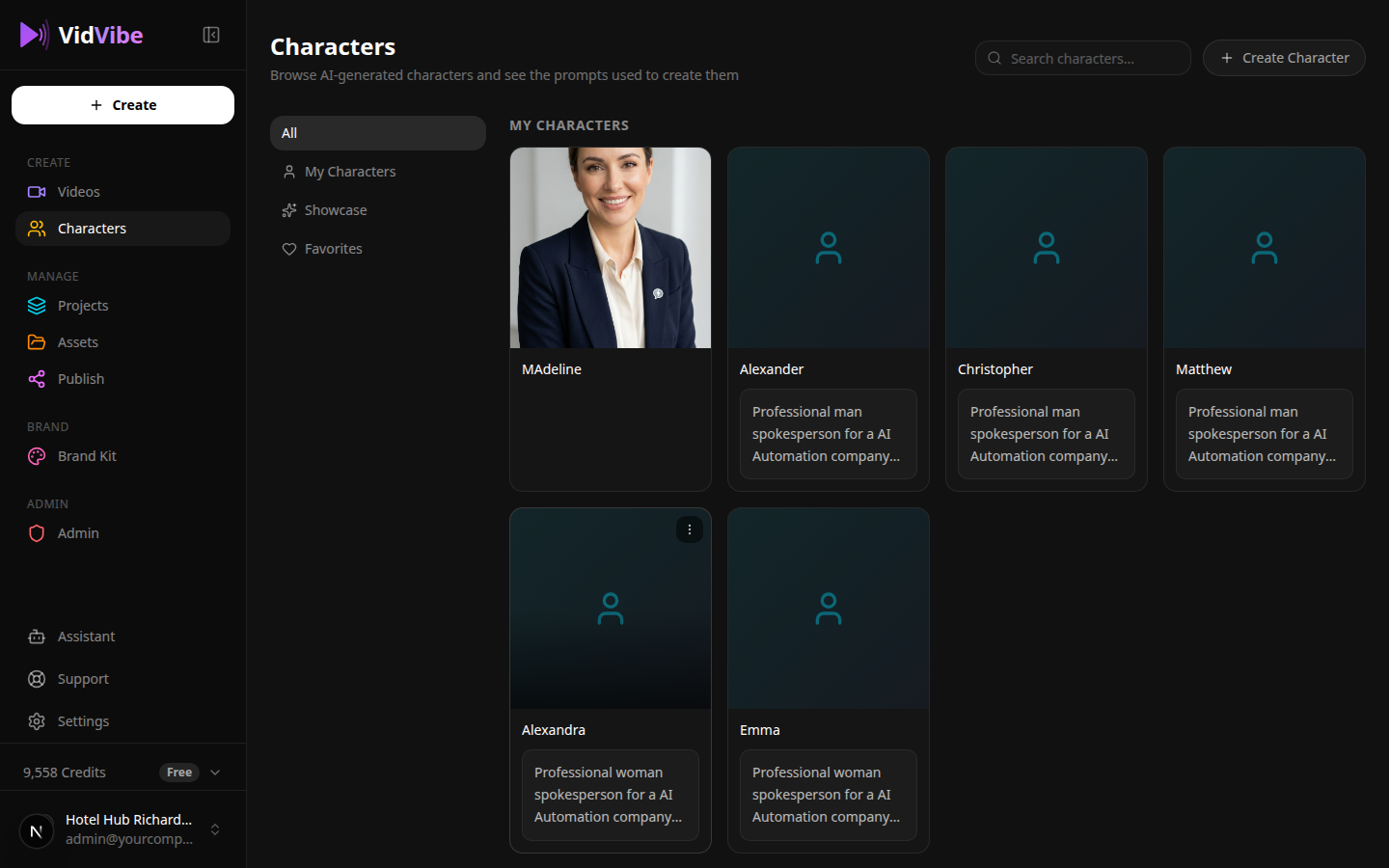
Avatars are AI spokesperson characters that can appear in your videos. The Avatars page lets you browse, create, and manage your avatar library.
Browsing Avatars
Your library includes both static avatars and AI-generated ones. Scroll through the grid to see all available options.
Uploading a Custom Avatar
- Click Upload Avatar.
- Select an image from your computer.
- The image will be added to your avatar library.
Editing an Avatar
Select any avatar and click Edit to make changes:
- Remove or change the background.
- Apply style adjustments.
Setting an Active Avatar
Click Set Active on any avatar to make it the default character for your next video generation. The active avatar is highlighted in your library so you always know which one is selected.
Version History
Each avatar keeps a version history. You can view previous edits and revert to an earlier version if needed.