Brand Kit
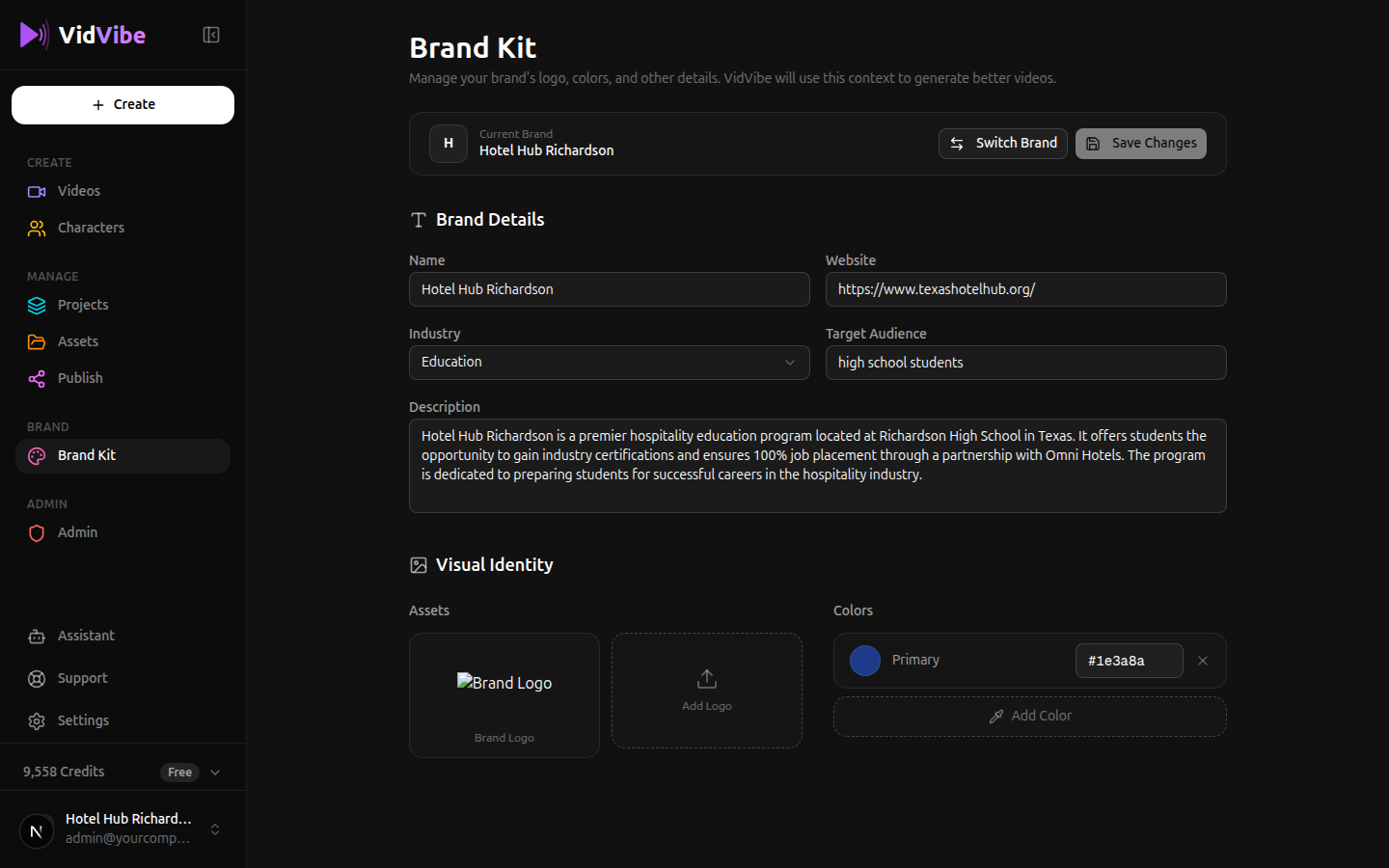
The Brand Kit is where you manage your brand's identity. VidVibe uses this information to generate videos that match your brand's look and voice. The page includes Brand Details (name, website, industry, target audience, description) and Visual Identity (logo, colors).
Switching Between Brands
You can have multiple brands and switch between them at any time. Click the Switch Brand button at the top of the Brand Kit page.
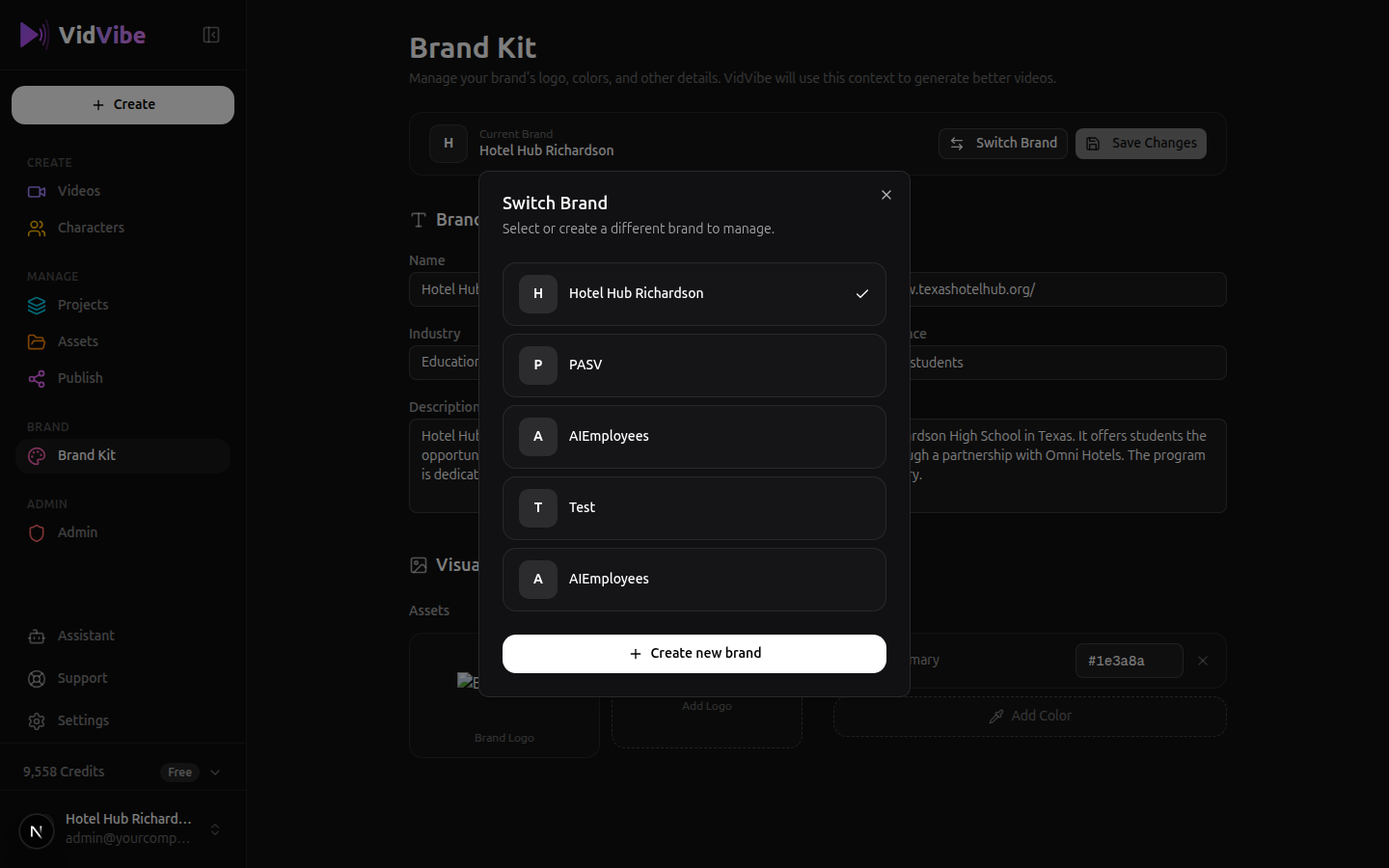
The modal shows all your brands with a checkmark next to the currently active one. Click any brand to switch to it -- all your content (assets, videos, characters) will be filtered to that brand.
Creating a New Brand
From the Switch Brand modal, click + Create new brand at the bottom to open the New Brand dialog.
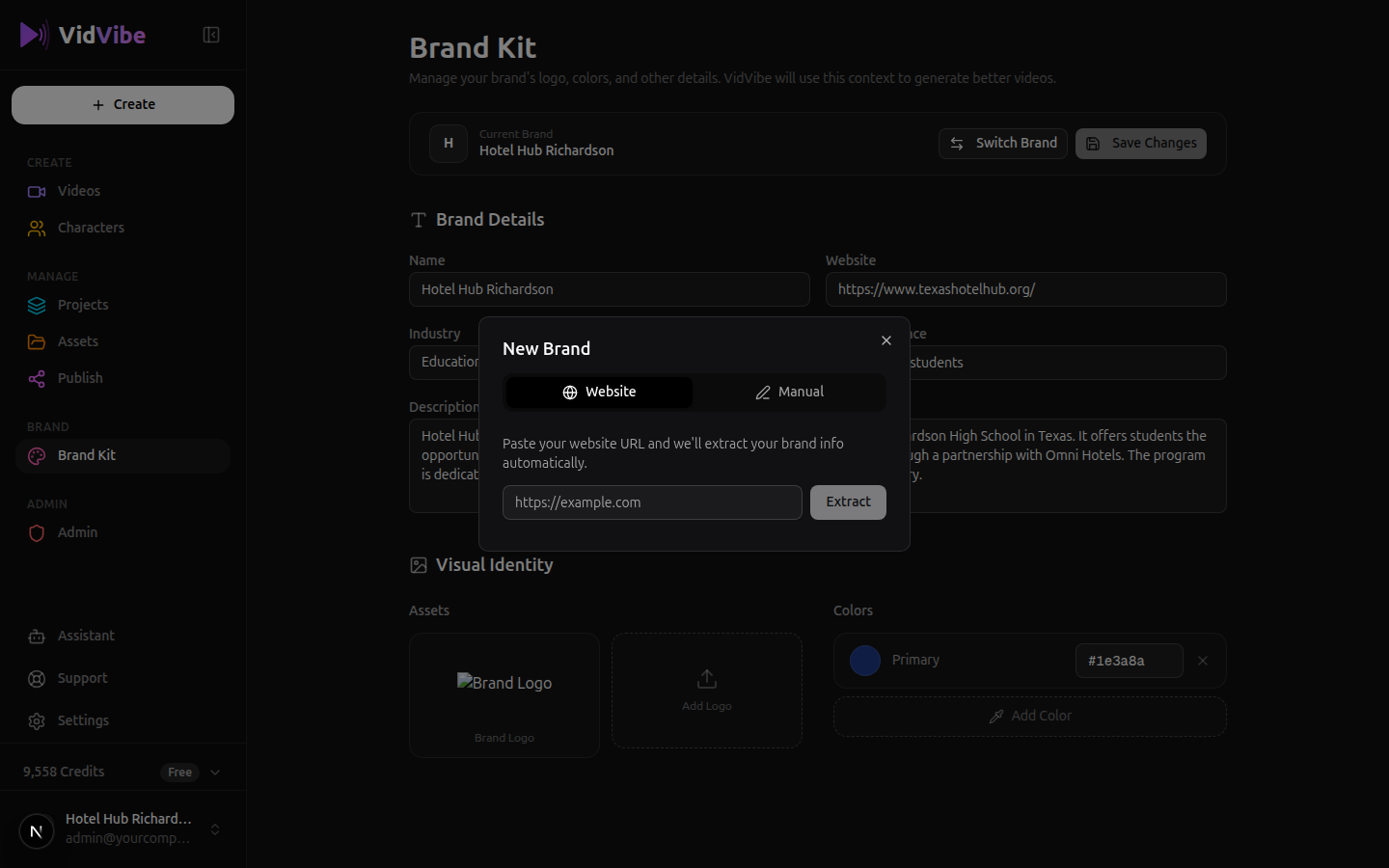
The dialog gives you two options:
- Website -- Paste your website URL and click Extract. VidVibe will visit the site and auto-fill your brand name, industry, target audience, and description.
- Manual -- Enter all brand details yourself.
What's in the Brand Kit
Brand Details
- Name -- Your brand's name.
- Website -- Your brand's URL (used for auto-generating context).
- Industry -- The category your brand belongs to.
- Target Audience -- Who your content is for.
- Description -- An AI-generated summary of your brand that informs all video generation.
Visual Identity
- Logo -- Upload your brand logo (used in video overlays and branding).
- Colors -- Set your brand's color palette. These colors are used when generating visuals.