Canvas Editor
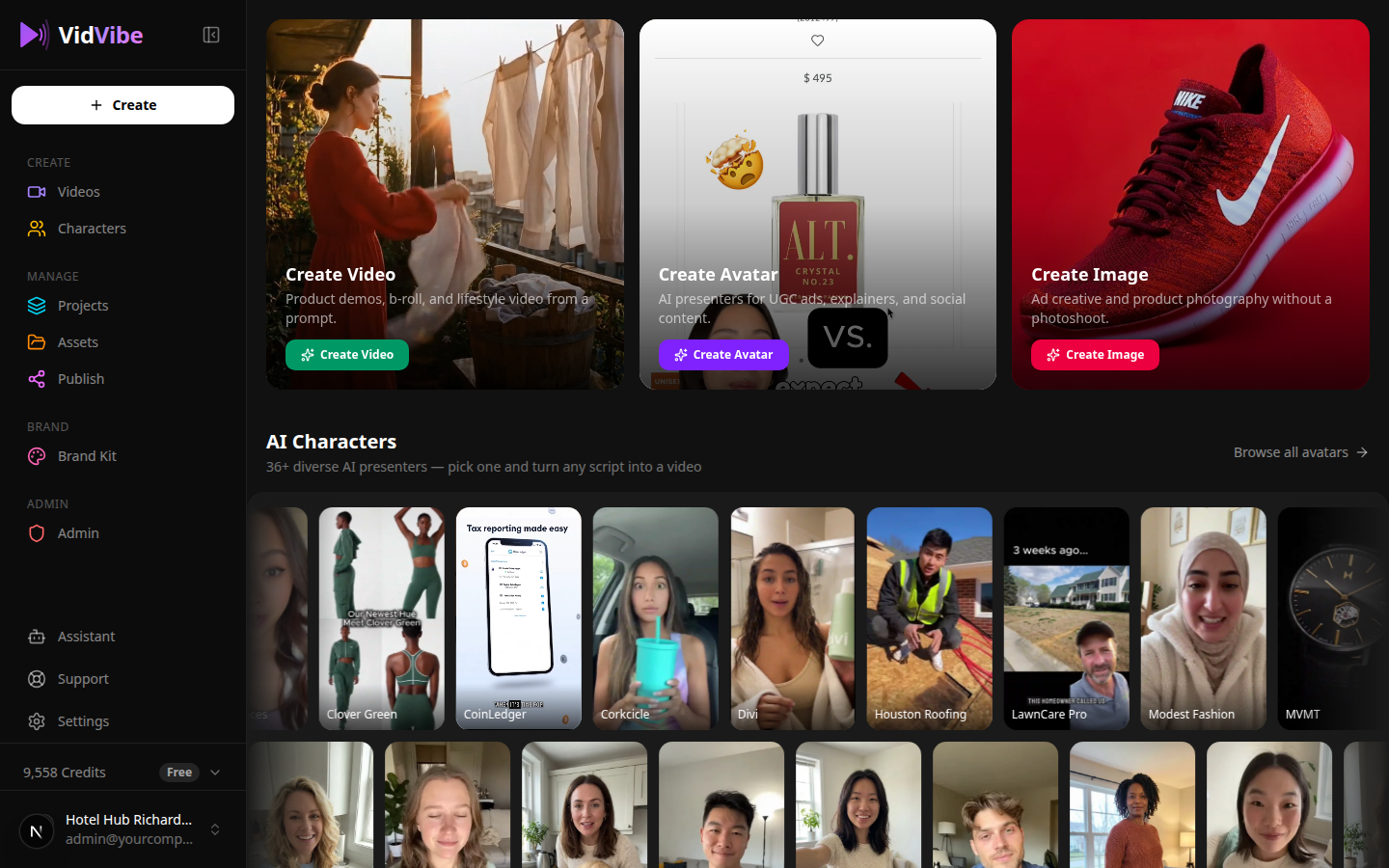
The Canvas Editor is where your videos come to life. It walks you through a step-by-step pipeline from initial idea to finished video.
Starting a New Project
Visit the Create page to begin. You can either:
- Select a flow -- Choose a pre-built template to guide the process.
- Start from scratch -- Build your video freely without a template.
The Creation Pipeline
The Canvas Editor follows five stages:
1. Generate Ideas
Enter a brand or topic, and the AI produces creative concepts for your video. Browse through the suggestions and pick the direction you like best.
2. Generate Scripts
Based on your chosen idea, the AI writes multiple script variations. Review them, make edits, or ask for more options until you have a script you are happy with.
3. Generate Storyboard
Your script is broken down into a visual scene-by-scene layout. Each scene shows what will appear on screen, giving you a preview of the full video before anything is rendered.
4. Generate Scenes
Render your scenes one at a time or all at once. Each scene is produced as an individual video segment. You can review and regenerate any scene that does not look right.
5. Compose Final Video
All your scenes are joined together into a single video. At this stage you can:
- Add background music or audio tracks.
- Enable captions and subtitles.
- Make final timing adjustments.
Once you are satisfied, download the video or publish it directly to your connected platforms.