Getting Started
What is VidVibe?
VidVibe is an AI-powered video creation platform that helps you create, manage, and publish videos to social media. Whether you need short-form clips for TikTok, YouTube Shorts, or Instagram Reels, VidVibe handles the heavy lifting so you can focus on your message.
Creating an Account
New to VidVibe? Click Sign up on the login page (or go to /signup directly) to open the Create Account form.
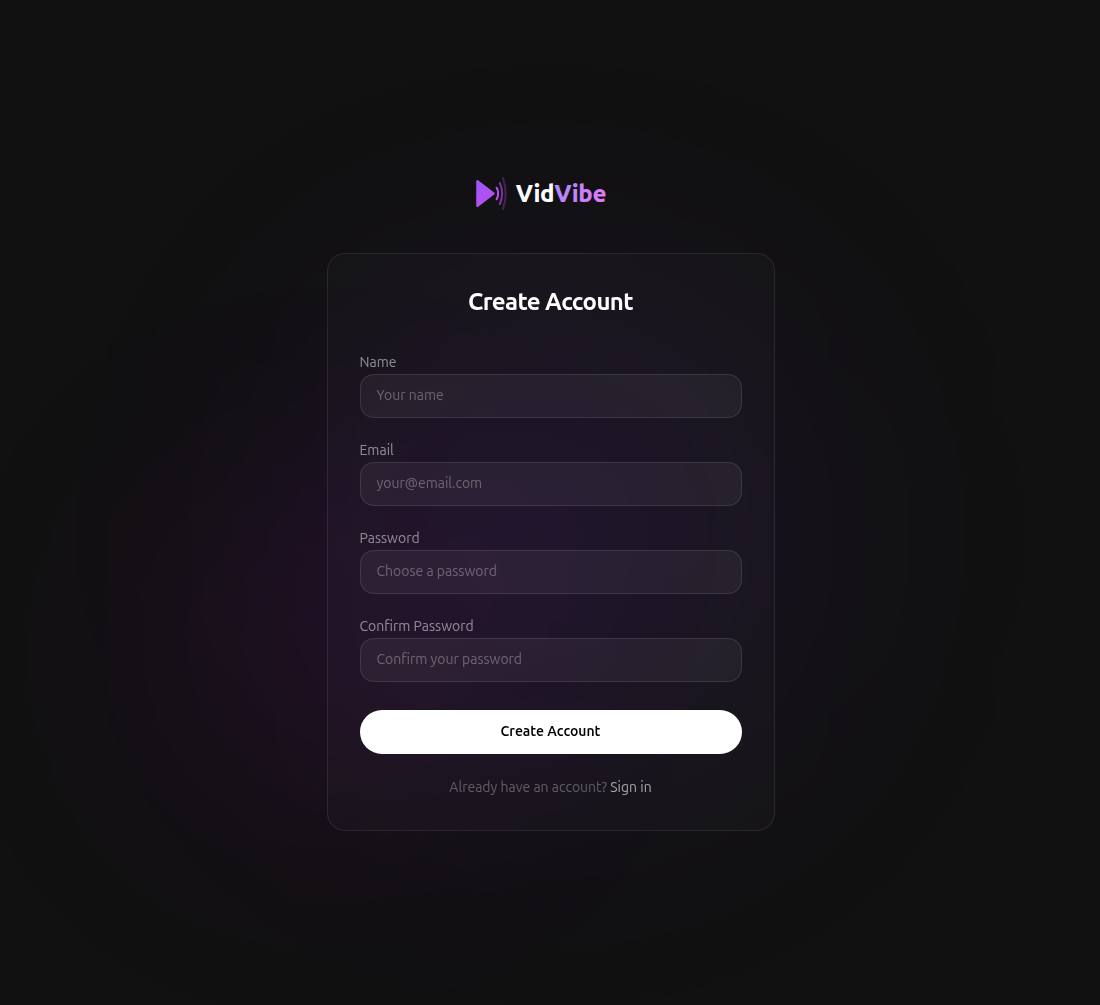
Fill in your Name, Email, a Password, and confirm the password. Click Create Account. You'll be signed in immediately and taken to the Assets page.
Logging In
If you already have an account, go to your VidVibe app URL -- you'll land on the Sign In page.
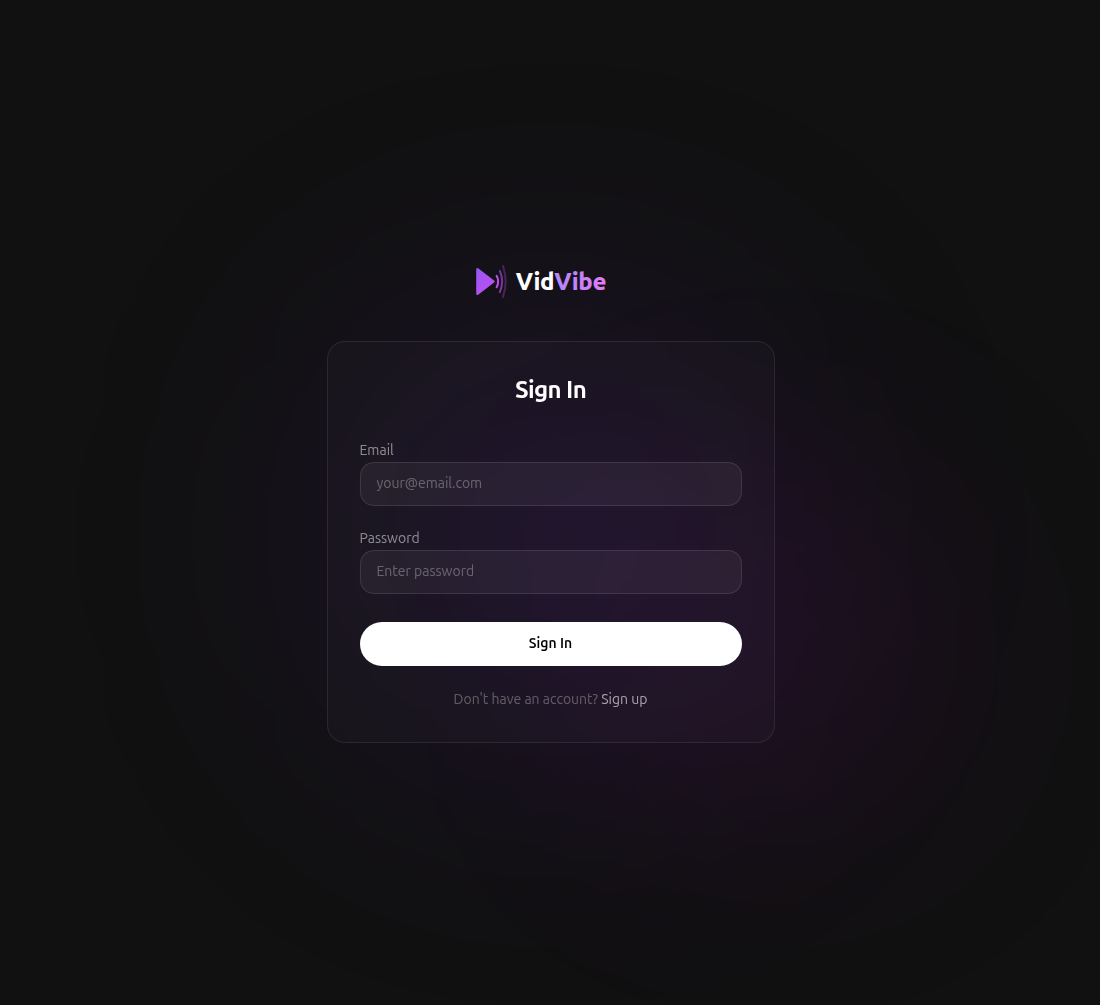
- Enter your Email and Password.
- Click Sign In.
- You'll be redirected to the Assets page, your home base.
Don't have an account yet? Use the Sign up link at the bottom of the form.
Navigating VidVibe
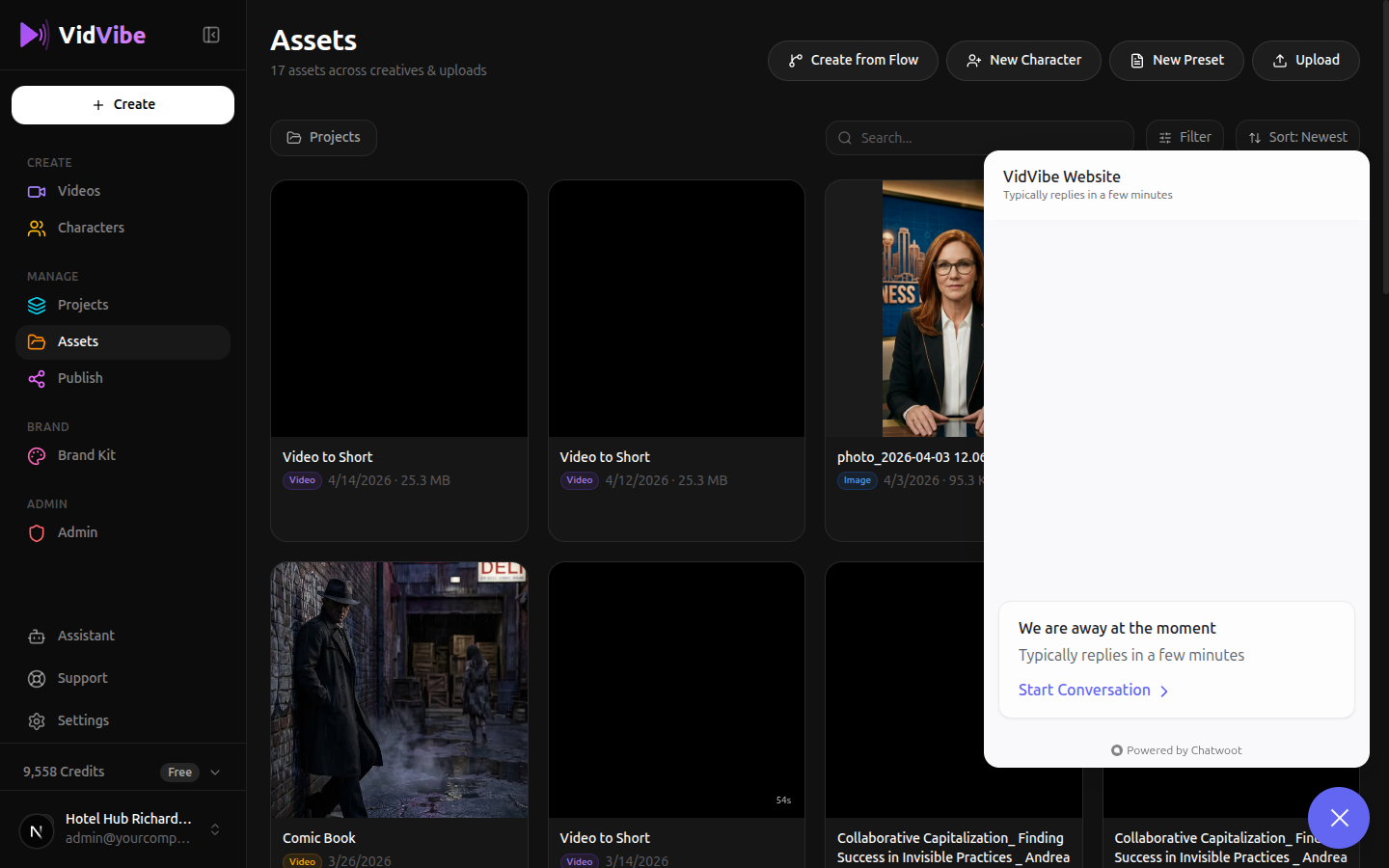
The sidebar on the left gives you access to every section of the platform. Each row below links to the full guide for that section -- click through to jump straight in.
| Section | What's there |
|---|---|
| Videos | Browse and manage AI-generated videos in your library, plus the showcase |
| Characters | Manage AI spokesperson characters for your videos |
| Images | Browse and create AI-generated still images |
| Flows | Reusable creation pipelines — build, fork, and run flow templates |
| Projects | Organize your work into folders |
| Assets | Your content library -- uploads, presets, and creatives |
| Publish | Send videos to YouTube, TikTok, and other platforms |
| Brand Kit | Configure your brand identity, colors, and voice |
| Assistant | Chat with the AI assistant for help and strategy |
| Settings | Manage your account, connections, and preferences |
Need Help?
If anything in the docs is unclear or you run into trouble, click the chat bubble in the bottom-right corner of any VidVibe page to message the support team.
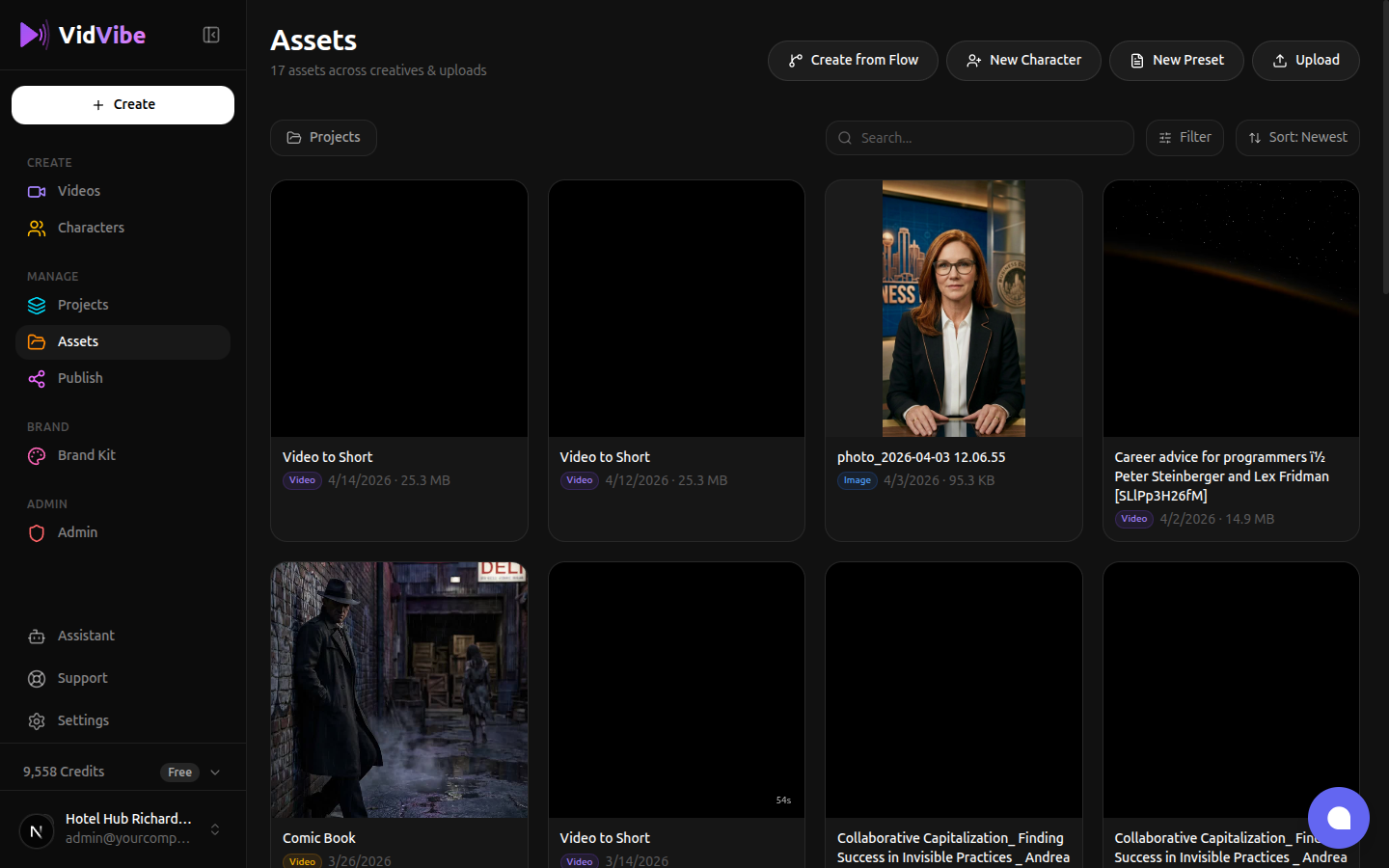
Hit Start Conversation in the panel that opens, type your question, and we'll reply right there. Questions, bug reports, and feature requests are all welcome.