Publishing
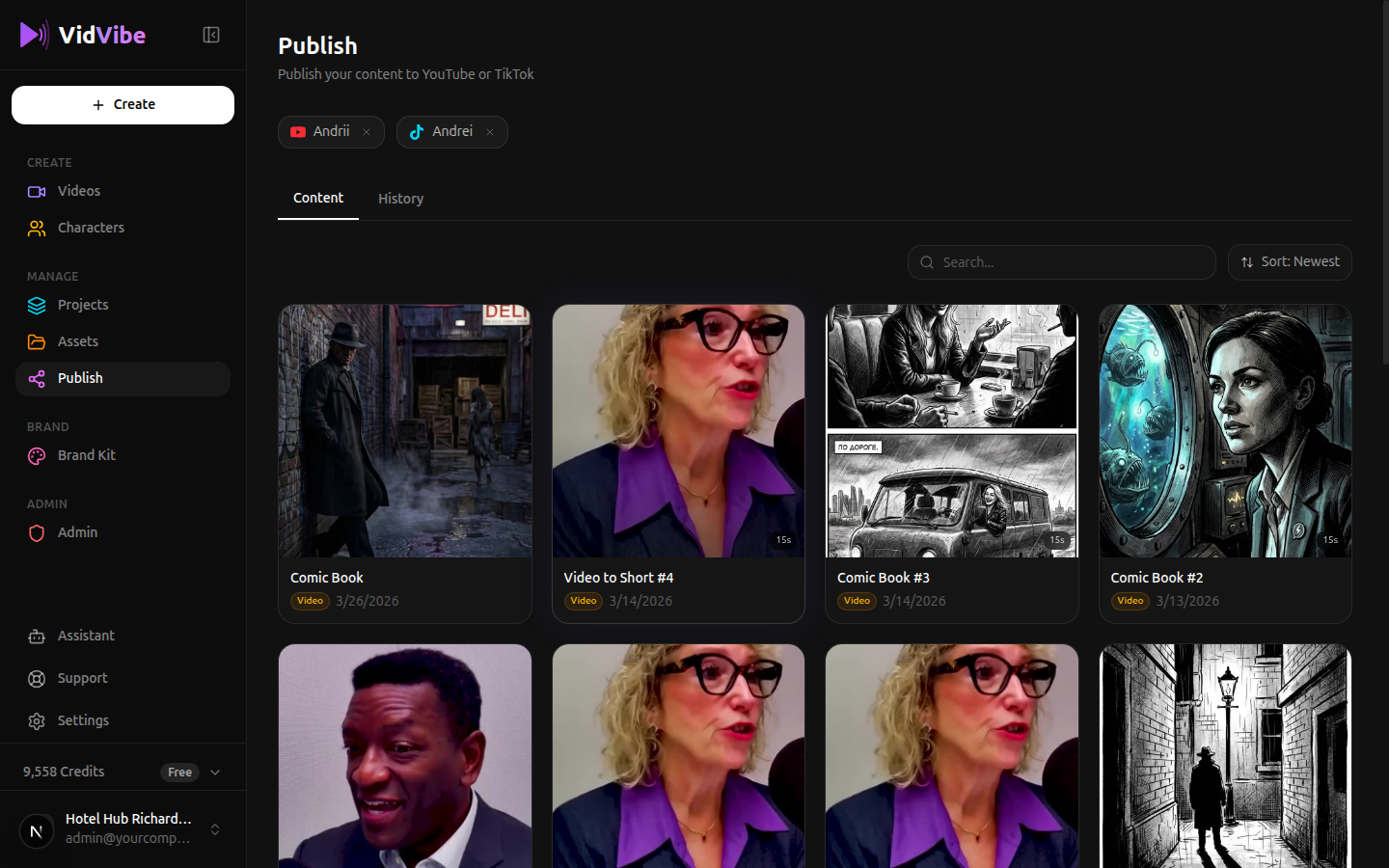
The Publish page lets you send your videos directly to YouTube and TikTok. It shows all your publishable content with your connected accounts displayed at the top.
Connecting Channels
Before you can publish, you need to connect your social media accounts. Go to Settings > Channels to manage your connections.
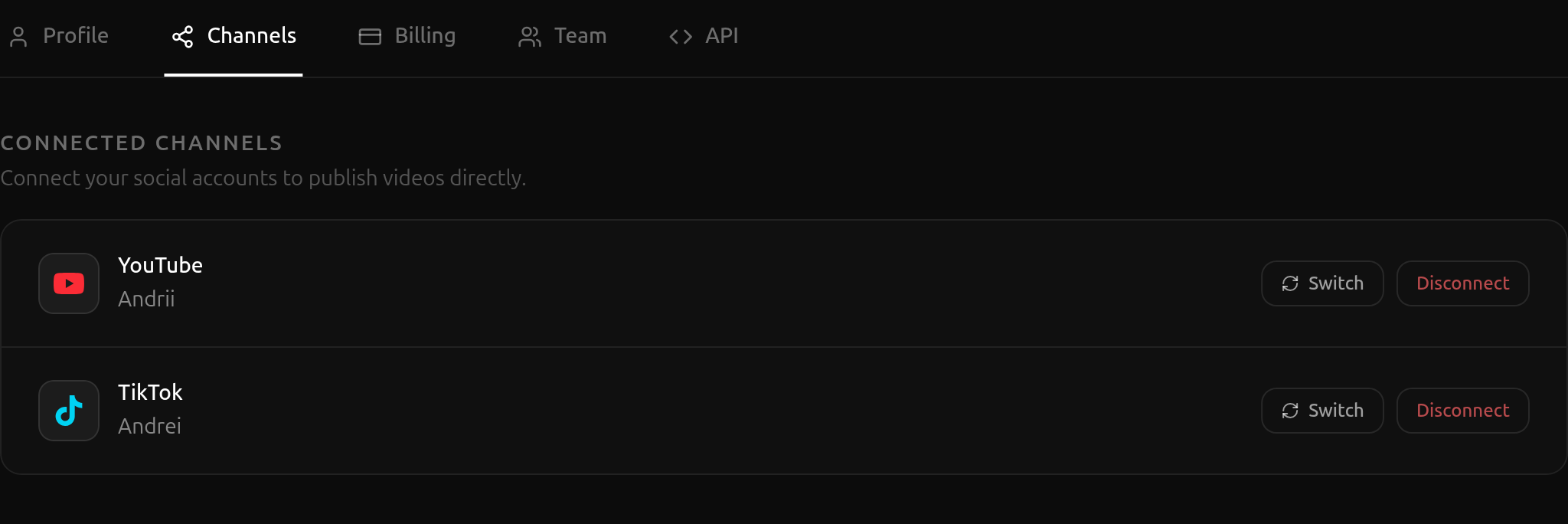
From here you can:
- Connect a YouTube or TikTok account.
- Switch to a different account on the same platform.
- Disconnect an account you no longer want to use.
Publishing a Video
On the Publish page, click any video from the Content tab to open the publish form.
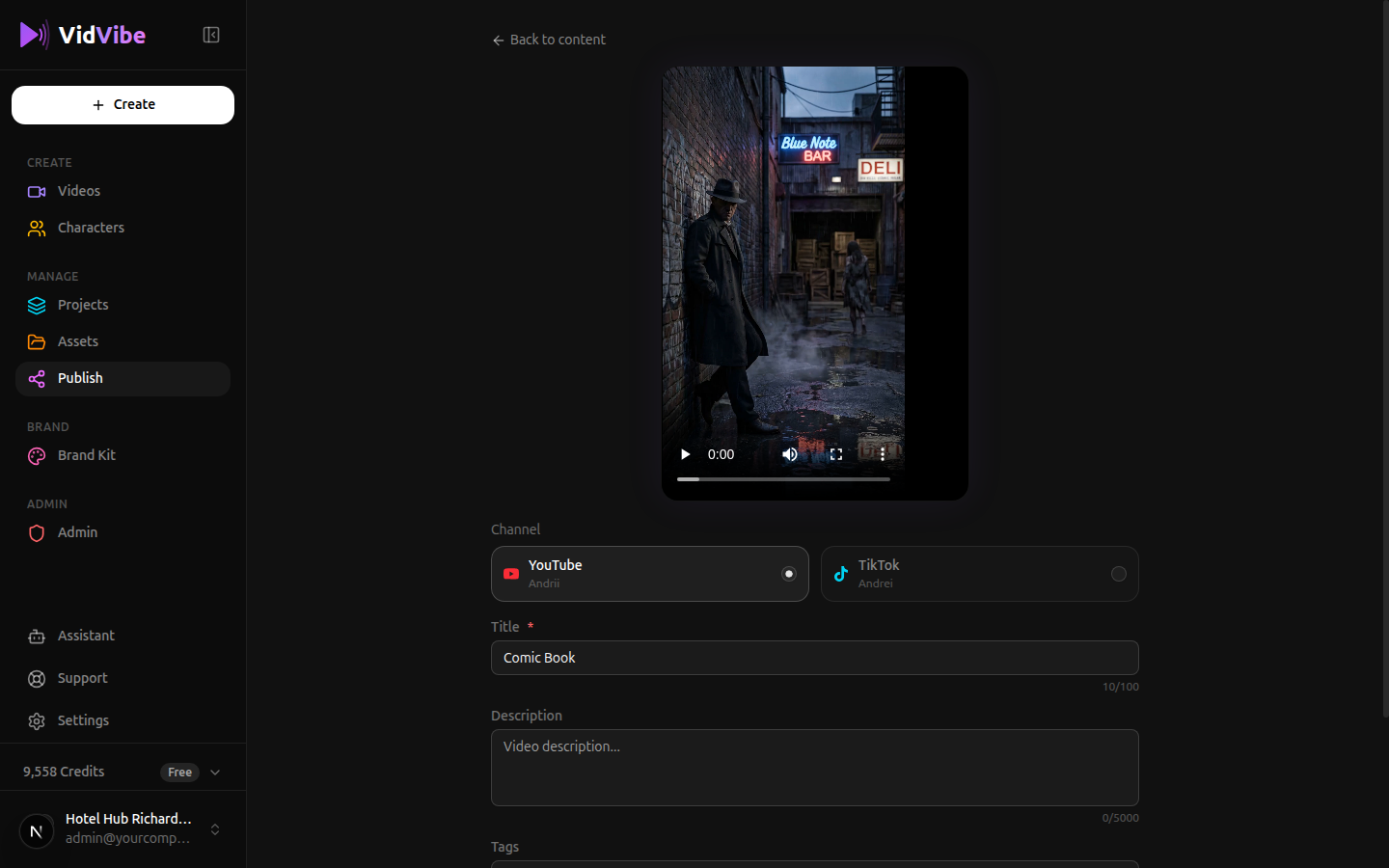
The form includes:
- Video preview -- Watch the video before publishing.
- Channel selector -- Choose between YouTube or TikTok. Each shows the connected account name.
- Platform-specific fields:
- YouTube: Title (required, max 100 chars), Description, Tags, Privacy (Public/Unlisted/Private).
- TikTok: Caption (required, max 2,200 chars), Hashtags (auto-prefixed with
#), Privacy (Public/Friends/Private).
- Click Publish to send it out.
Auto-generate from video
Once you've picked a channel, click Auto-generate from video to have VidVibe fill the fields for you. It transcribes the video, analyzes the content, and writes a platform-appropriate title, description, and tags (or caption and hashtags for TikTok). You can still edit anything before publishing.
Publishing History
Click the History tab to see all your past and in-progress publications.
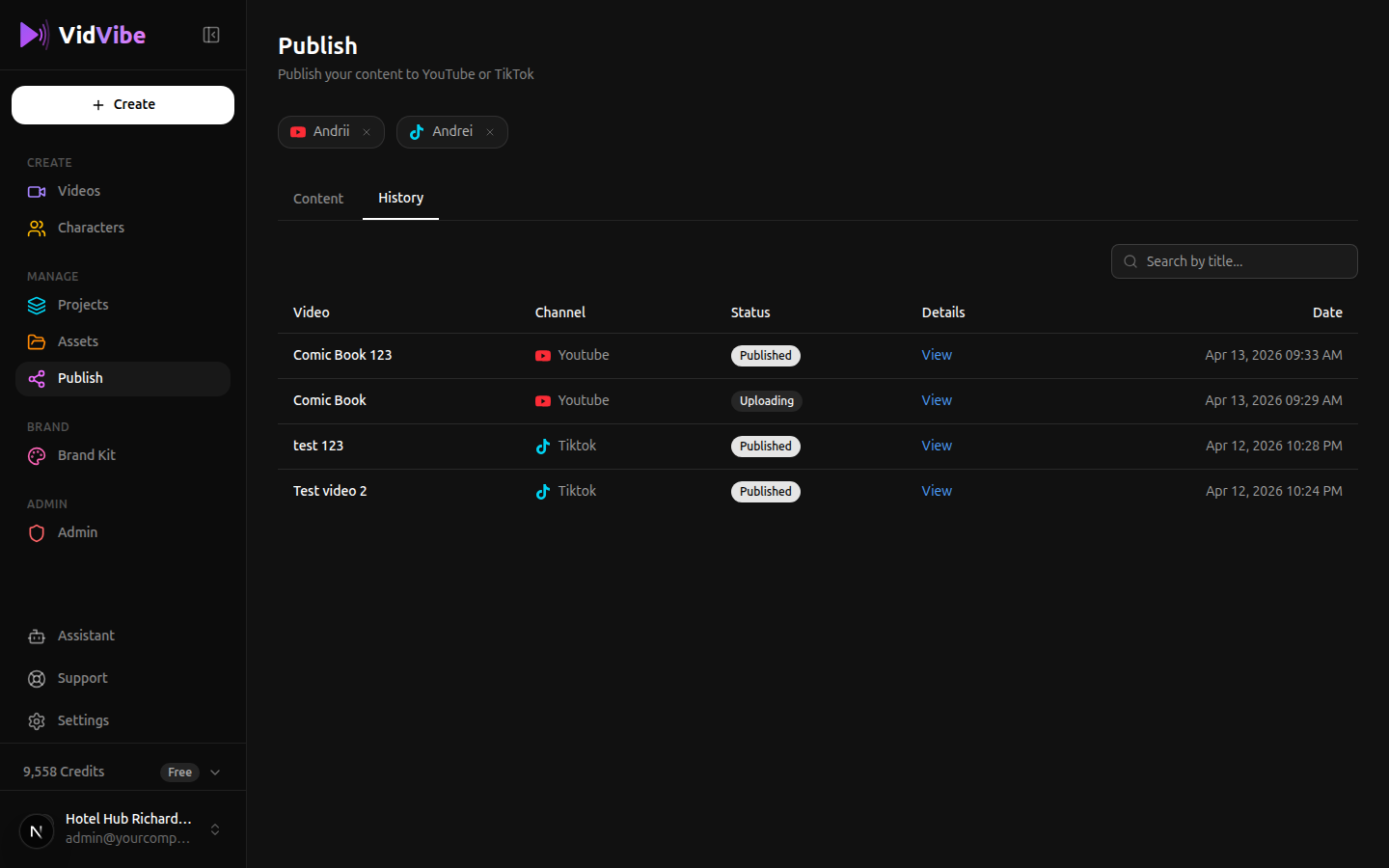
The history table shows:
| Column | What It Shows |
|---|---|
| Video | The name of the published video |
| Channel | YouTube or TikTok with the account name |
| Status | Published, Uploading, or Failed |
| Details | Click View to see platform-specific details or a link to the post |
| Date | When the publish was initiated |
You can search history by title using the search bar.