Settings
The Settings page is split into tabs across the top: Profile, Channels, Billing, and API. Each tab is documented below.
Profile
The Profile tab shows your account information.
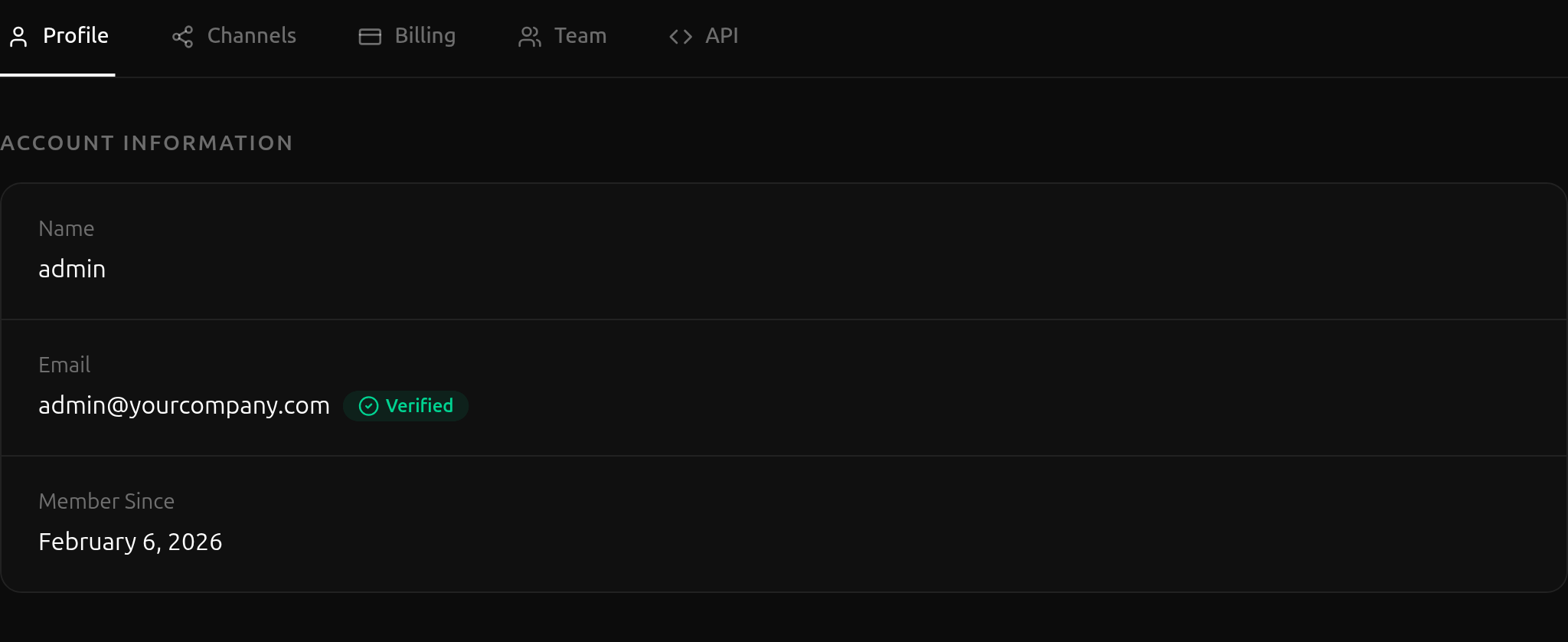
- Name — Your display name.
- Email — The email address you registered with, plus a Verified badge once you've confirmed it.
- Member Since — The date your account was created.
Channels
The Channels tab lists the social platforms you've linked so you can publish videos directly from VidVibe.
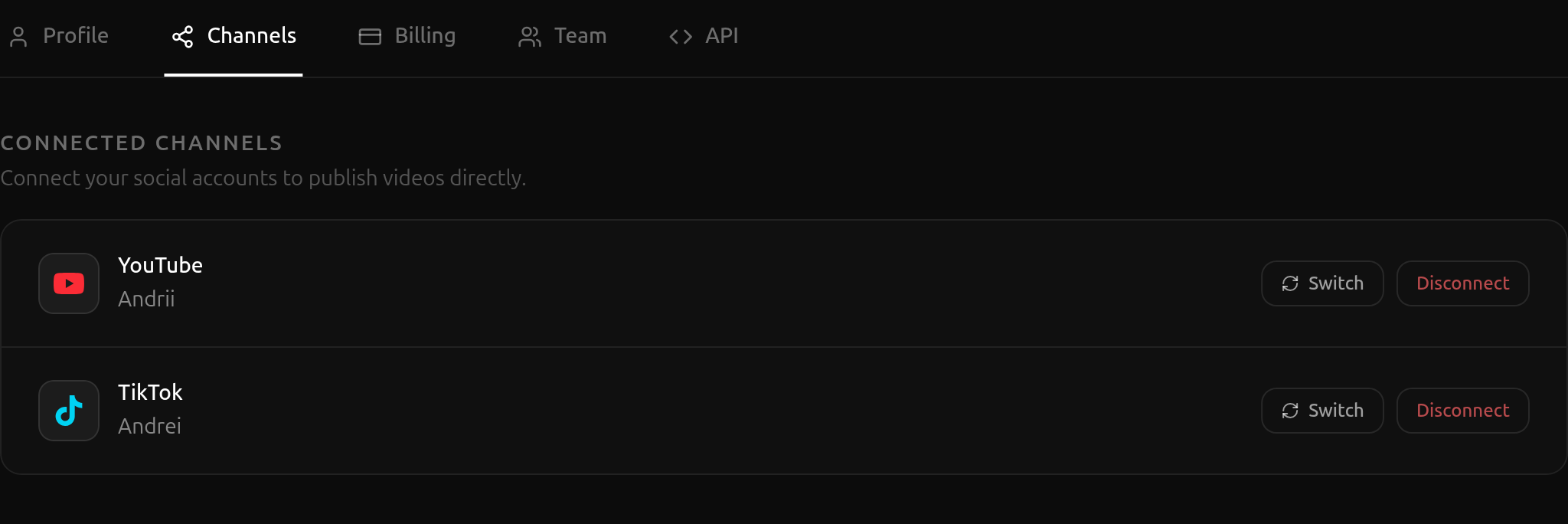
For each connected platform you can:
- Switch — Reconnect under a different account on that platform.
- Disconnect — Remove the link entirely.
To add a new channel, follow the connect flow described in Publishing.
Billing
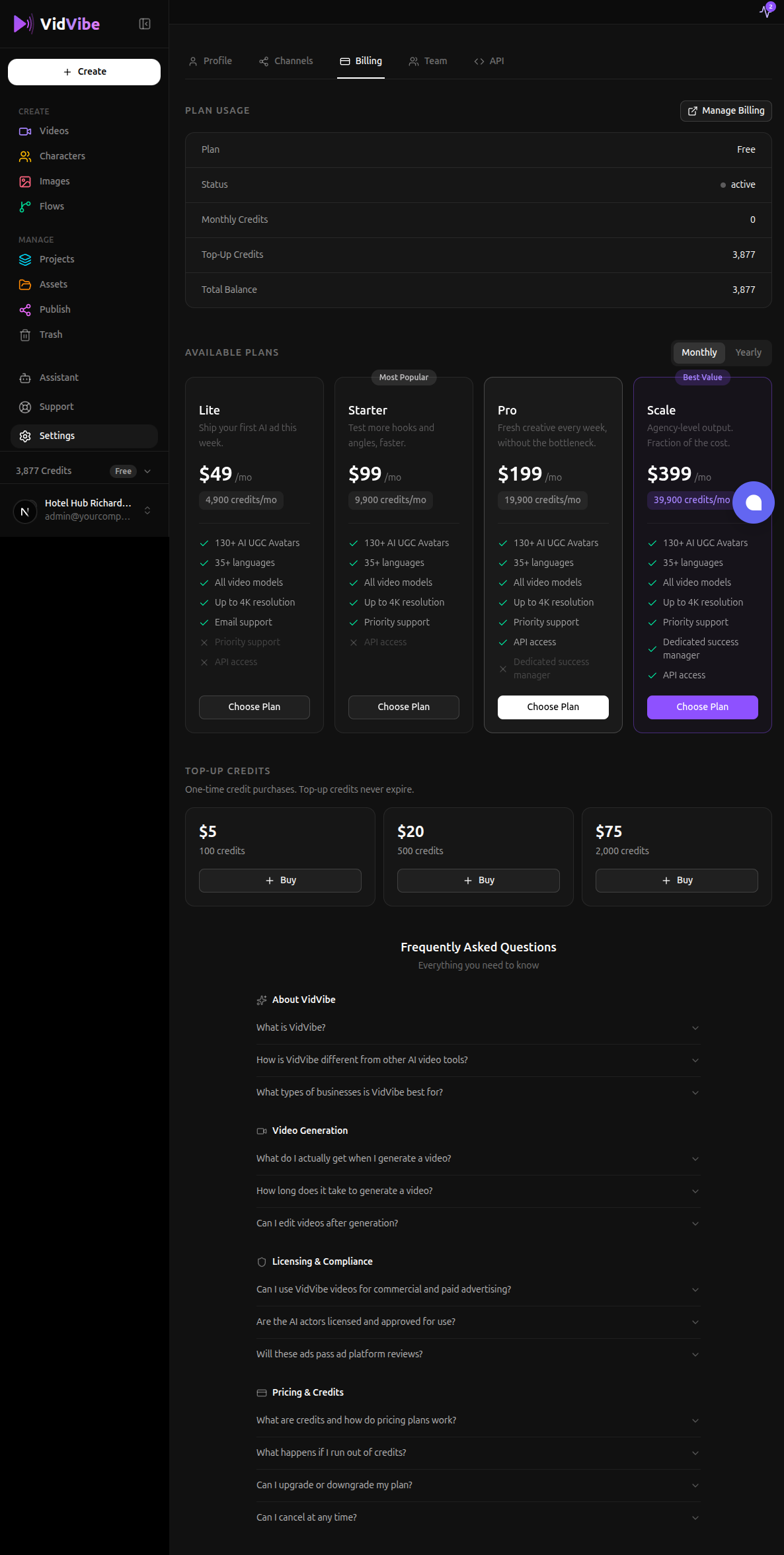
The Billing tab is where you manage your plan, see your remaining credits, top up, and open Stripe to update your payment method or cancel.
Plan Usage
The top section shows your current state:
- Plan —
Free,Lite,Starter,Pro, orScale. Free is the default for new accounts. - Status —
active,past_due(payment failed — update your card), orcancelled. - Renews (only shown for paid plans) — the date the next subscription cycle will charge.
- Monthly Credits — credits from your current subscription cycle. Used first; resets on renewal.
- Top-Up Credits — credits from one-time purchases. Used after monthly. Never expire.
- Total Balance — sum of the two pools.
If you have any active subscription or top-up history, a Manage Billing button appears in the top-right. It opens the Stripe Customer Portal where you can update your card, view invoices, switch plans, or cancel.
Available Plans
Pick a tier and click Choose Plan to start checkout. The toggle in the top-right switches between Monthly and Yearly billing — yearly saves up to 20%.
| Tier | Monthly | Credits / mo |
|---|---|---|
| Lite | $49 | 4,900 |
| Starter | $99 | 9,900 |
| Pro | $199 | 19,900 |
| Scale | $399 | 39,900 |
Choosing a plan redirects you to Stripe's secure checkout. After payment you're returned to a success page that confirms the purchase, and your monthly credits are deposited automatically. If you already have a paid plan and choose a different one, Stripe handles the proration.
Top-Up Credits
For one-time credit purchases that don't expire:
| Pack | Price | Credits |
|---|---|---|
| Small | $5 | 500 |
| Medium | $20 | 2,000 |
| Large | $75 | 7,500 |
Top-ups follow the same $1 = 100 credits ratio as subscriptions, so you're never penalized for paying as you go.
Click Buy on a pack, complete checkout on Stripe, and the credits land in your Top-Up Credits pool within a few seconds. Top-up credits are consumed only after your monthly pool is empty, and they never expire as long as your account is active.
Frequently asked
The bottom of the tab has an FAQ covering pricing, credits, cancellation, and billing edge cases. Open any question to expand the answer.
API
The API tab is for advanced users who want to drive VidVibe from external tools — Claude Desktop, custom agents, scripts, or any MCP / A2A-compatible client. It has three sections.
API Keys
Create and manage tokens that authenticate calls to the MCP and A2A endpoints.
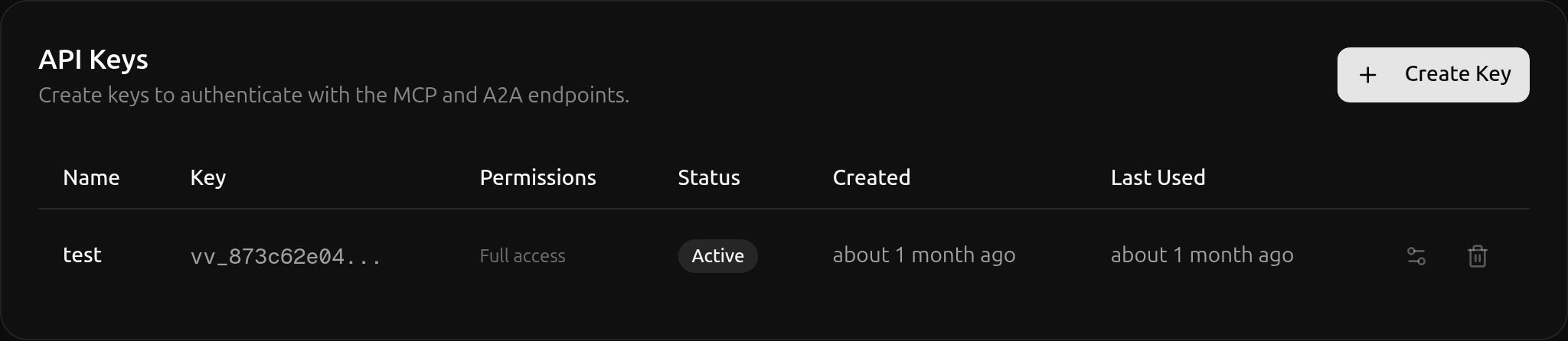
- Create Key — Opens a dialog where you name the key and choose its permissions. The full key value is shown only once at creation — copy it immediately and store it somewhere safe.
- Permissions — Restrict each key to specific scopes (e.g. read-only, full access).
- Status —
Activekeys work; you can revoke a key from the row actions. - Last Used — Useful for spotting unused keys you can safely revoke.
MCP Configuration
A ready-to-paste config snippet for Claude Desktop or any other MCP client.
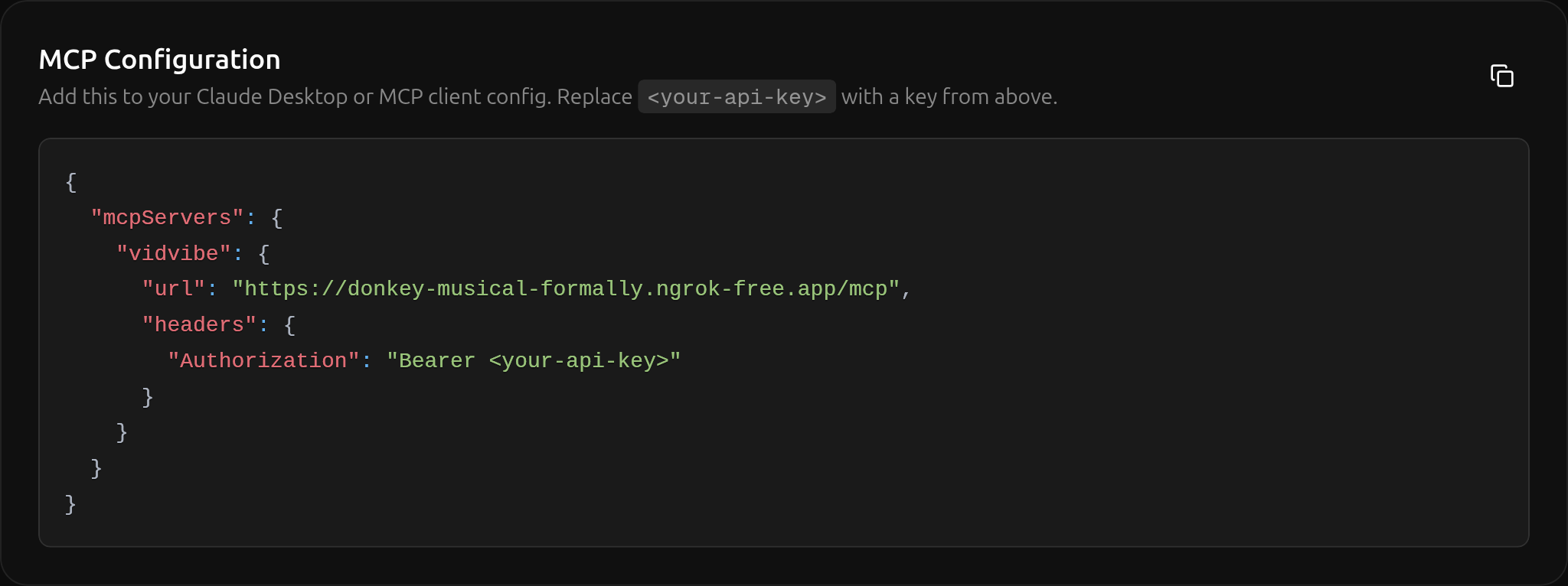
Click the copy button in the top-right of the snippet, paste it into your MCP client config, and replace <your-api-key> with one of the keys from the section above.
A2A (Agent-to-Agent)
Endpoint and example payloads for connecting any A2A-compatible agent over JSON-RPC 2.0.
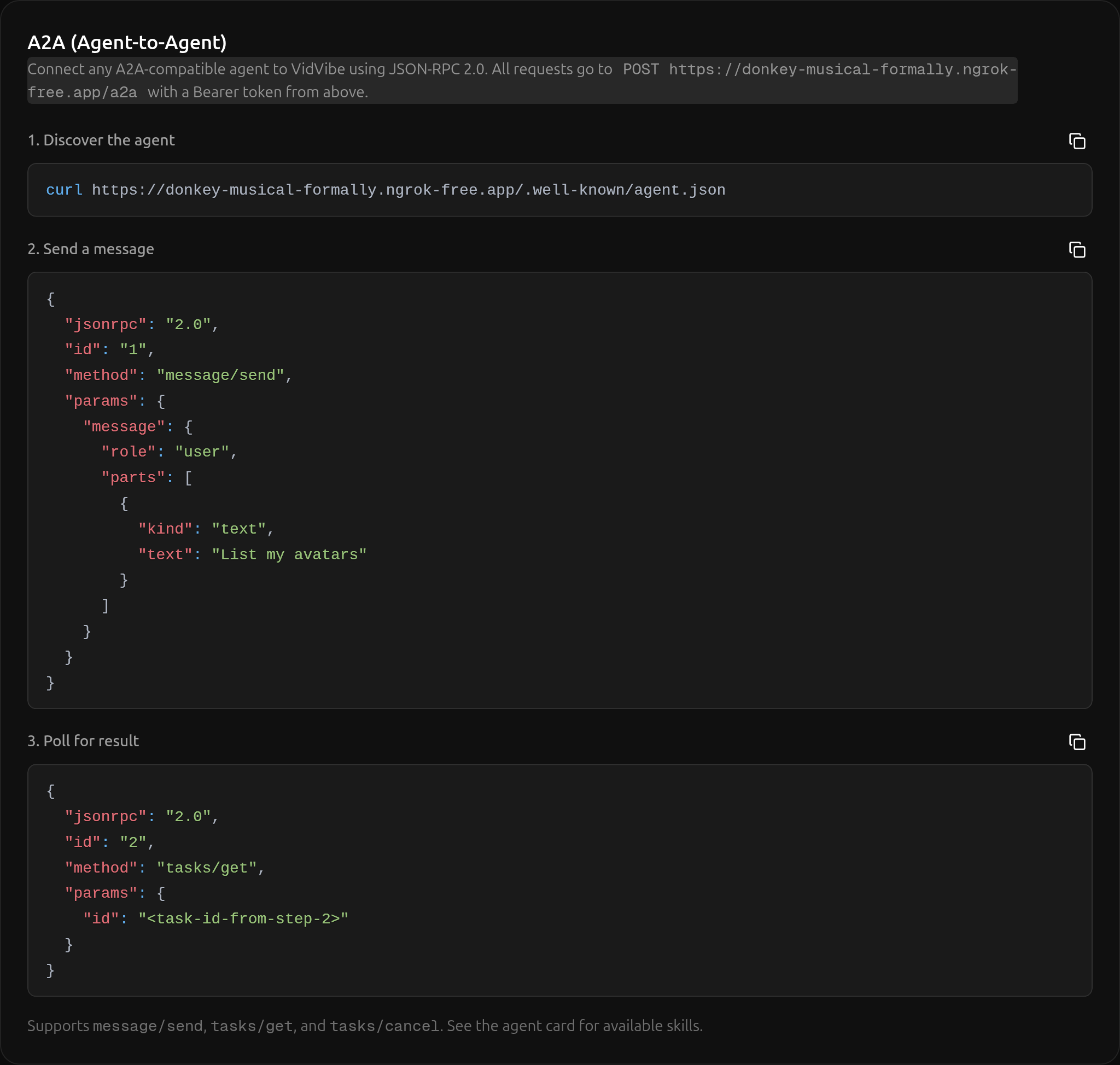
The section walks through three calls:
- Discover the agent —
GET /.well-known/agent.jsonreturns the agent card with available skills. - Send a message —
POST /a2awith amessage/sendJSON-RPC envelope. - Poll for result —
POST /a2awith atasks/getenvelope, using the task ID returned in step 2.
Use the same Bearer token (one of your API Keys) for every request.