Trash
URL: app.vidvibe.io/trash
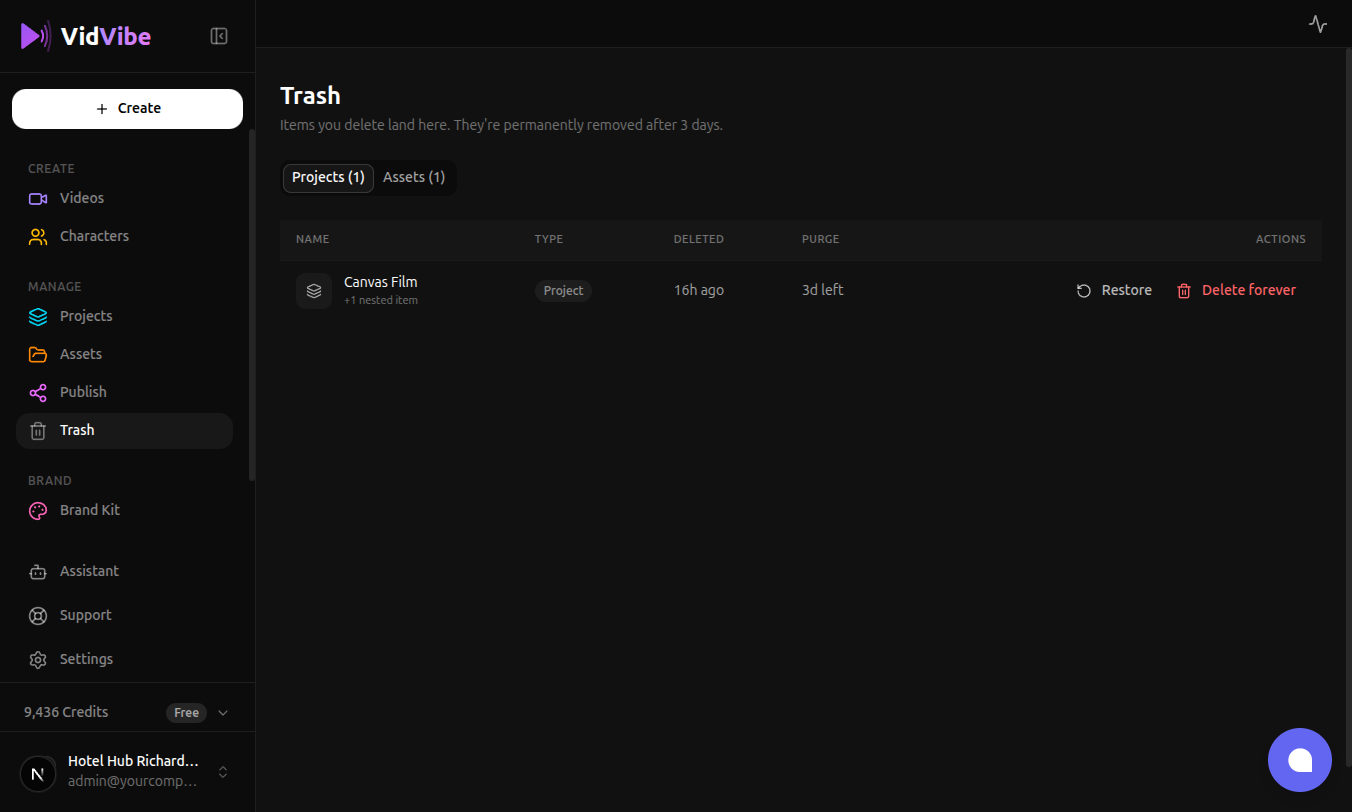
Deleted items aren't gone immediately. They land in the Trash for 3 days, where you can preview, restore, or permanently remove them. After that window, they're purged automatically.
What lands in Trash
The page has two tabs:
- Projects — project folders you deleted from the Projects page. A folder in the trash also holds every asset it contained; the
+N nested itemslabel next to the folder name tells you how many will come back with it. - Assets — individual creatives, uploads, and presets deleted from the Assets page or from within a project.
The tab labels show the total count (e.g. Projects (5)), not just what's on the current page.
Columns
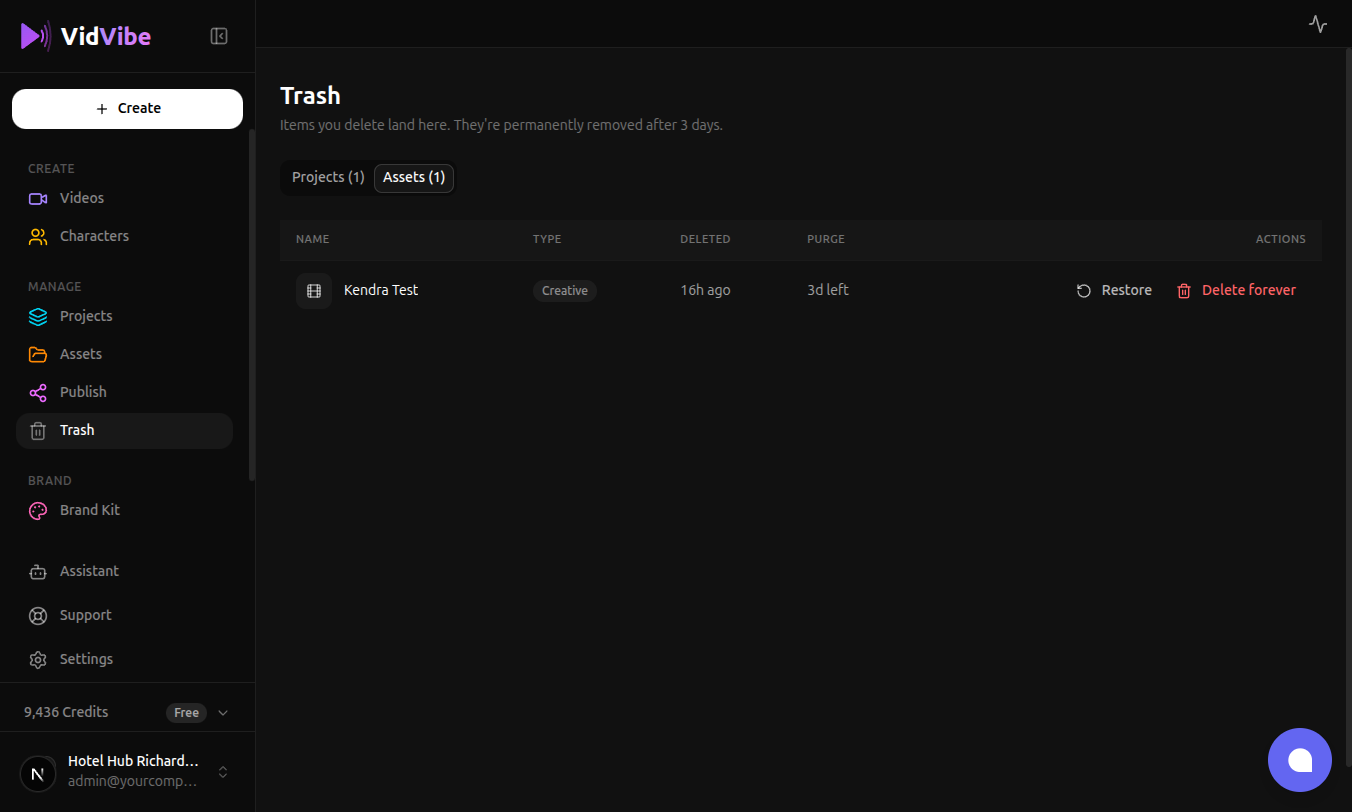
Each row in either tab shows:
- Name — the original name of the item. Click the name to open a preview of the asset without restoring it.
- Type —
Project,Creative,Upload, orPreset. - Deleted — how long ago it was moved to Trash.
- Purge — how many days remain before VidVibe removes it permanently. Anything below 24 hours turns red.
- Actions —
RestoreandDelete forever.
Restoring an item
Click Restore on any row. The item returns to its original home — an asset goes back to your library, a project folder comes back with every asset that was inside it at the time of deletion.
Restoring doesn't cost credits and doesn't re-run any flow; it just flips the deletion flag.
Deleting forever
Click Delete forever to purge an item before its 3-day window ends. VidVibe asks for confirmation because this action is irreversible — the underlying files are removed from storage and nested records are dropped too.
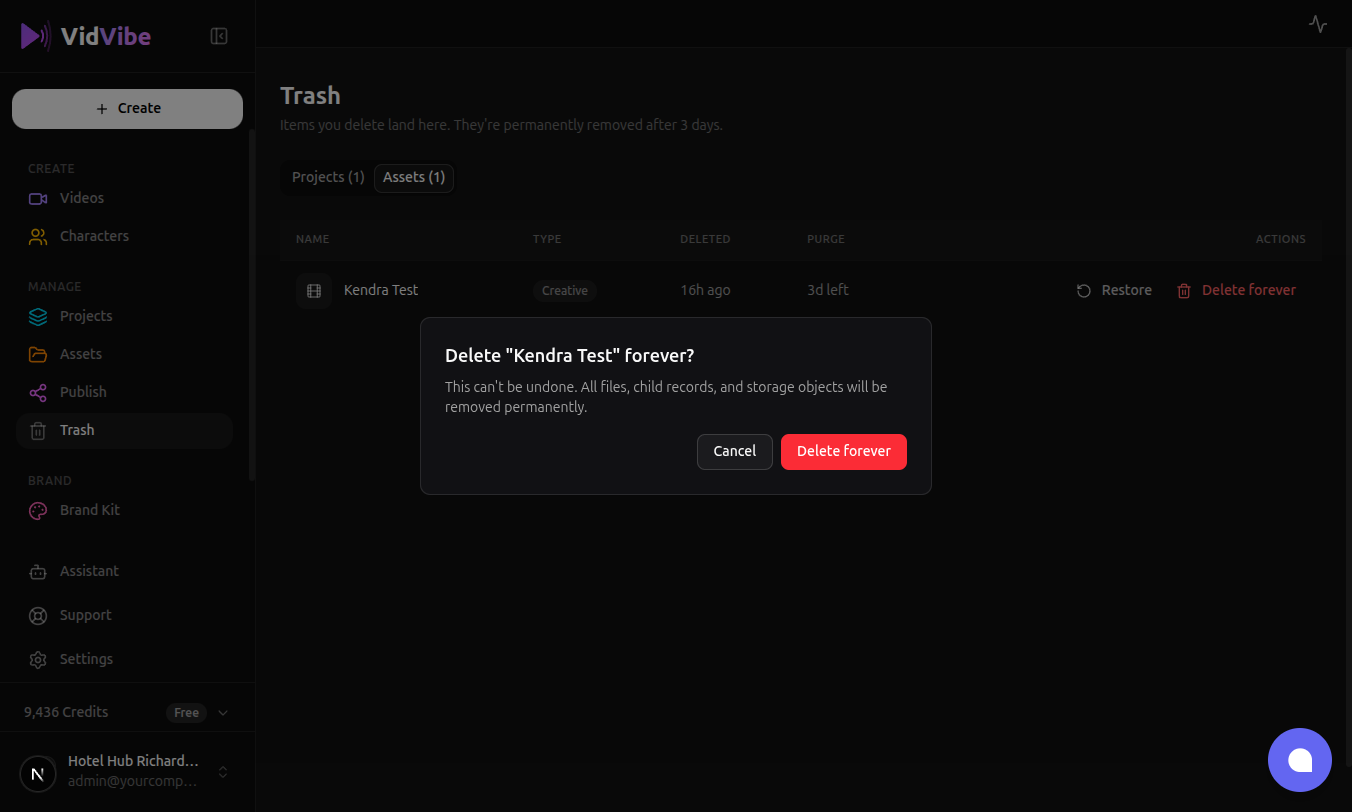
Press Delete forever in the dialog to confirm, or Cancel to back out.
Pagination and URL sharing
Trash is paginated (20 items per tab). When you have more, the page controls appear at the bottom of the list. Both the active tab and the current page are reflected in the URL:
/trash— Projects tab, page 1 (defaults are omitted from the URL)/trash?tab=assets— Assets tab, page 1/trash?page=2— Projects tab, page 2/trash?tab=assets&page=3— Assets tab, page 3
You can bookmark or share any of these URLs and land on exactly that view. Switching tabs resets the page back to 1, so you never end up staring at a blank page because the other tab has fewer items.
Automatic cleanup
A background job runs periodically and purges anything whose 3-day window has elapsed. You don't need to manage the trash yourself — if you take no action, old items will disappear on their own. The 3d left / 1d left countdown on each row is a live indicator of when that will happen.
What can't be restored
- Items whose 3-day window has already passed are already gone from storage; they will no longer appear in this list.
- If you shared a link to an asset and the asset is trashed, the share link stops working. Restoring the asset brings the share link back.