Troubleshooting
Running into an issue? Here are solutions to the most common problems.
Video Will Not Upload
- Check the file size. The maximum upload size is 500 MB.
- Verify the format. VidVibe supports MP4, MOV, and WebM files. Other formats need to be converted first.
- Try a different browser. Some browser extensions can interfere with uploads. Try Chrome or Firefox without extensions.
- Check your internet connection. Large uploads need a stable connection. If your connection drops mid-upload, you will need to start over.
Generation Is Stuck
- Be patient. Most generations take 2 to 5 minutes depending on complexity.
- Check the queue status. Look at the progress indicator to see if the job is still active.
- Cancel and retry. If a generation has been running for more than 10 minutes with no progress, cancel it and try again.
Publishing Failed
- Verify your account is connected. Go to Settings > Connected Accounts and make sure the platform shows as active.
- Check platform requirements. Each platform has specific limits for video length, file size, and caption length. See the Publishing guide for details.
- Review the error message. The publishing queue shows a specific reason for any failure.
- Reconnect if the token expired. Social media connections expire periodically. Disconnect and reconnect the account in Settings.
Account Issues
- Clear your browser cache and cookies. Stale data can cause unexpected behavior.
- Try incognito or private browsing mode. This rules out browser extension conflicts.
- Contact support. If the problem persists, reach out via the chat widget (see below).
Still Need Help?
Click the chat bubble in the bottom-right corner of any VidVibe page to talk to the support team directly.
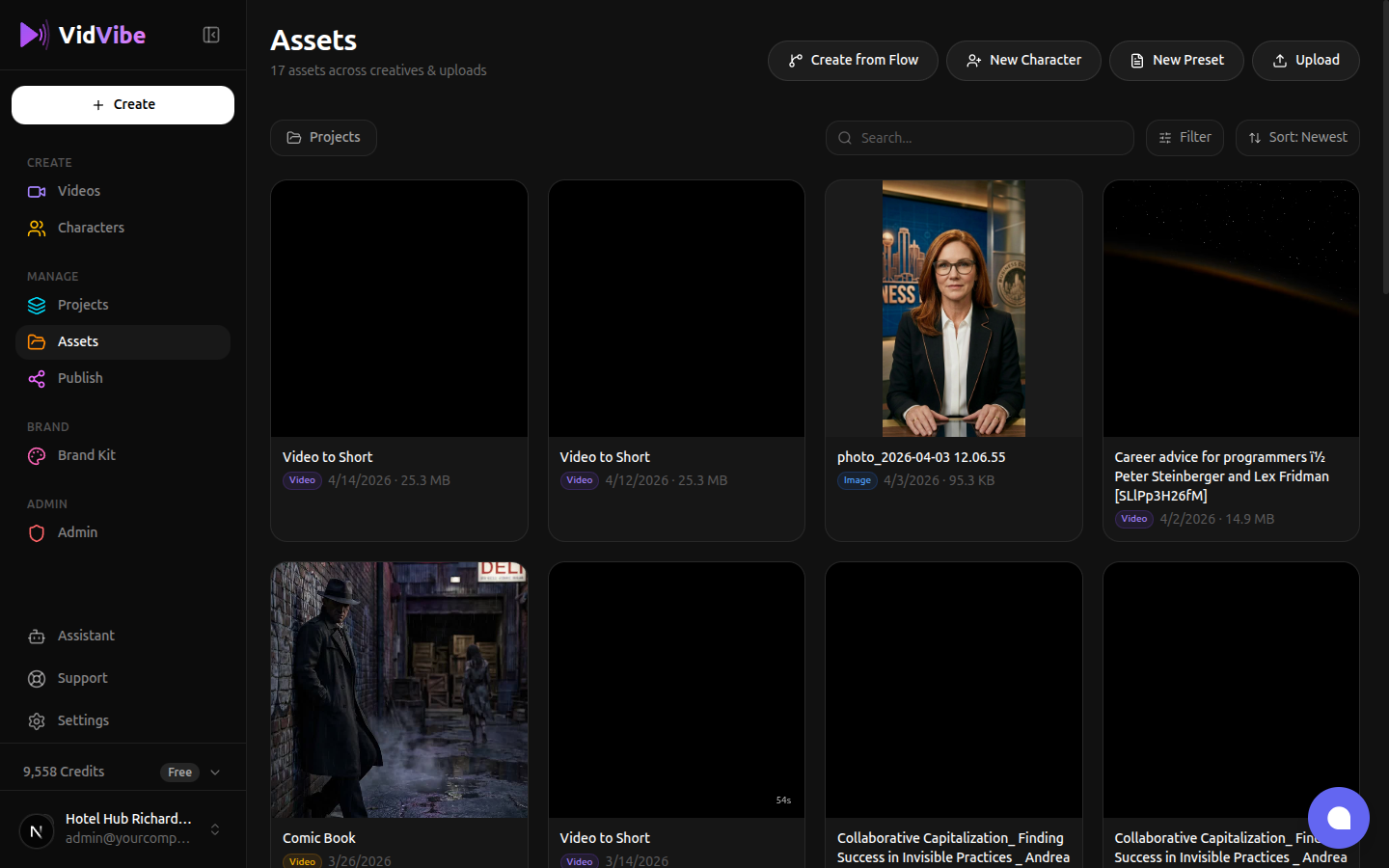
Clicking it opens a chat panel. Hit Start Conversation, type your question, and we'll reply in the same window.
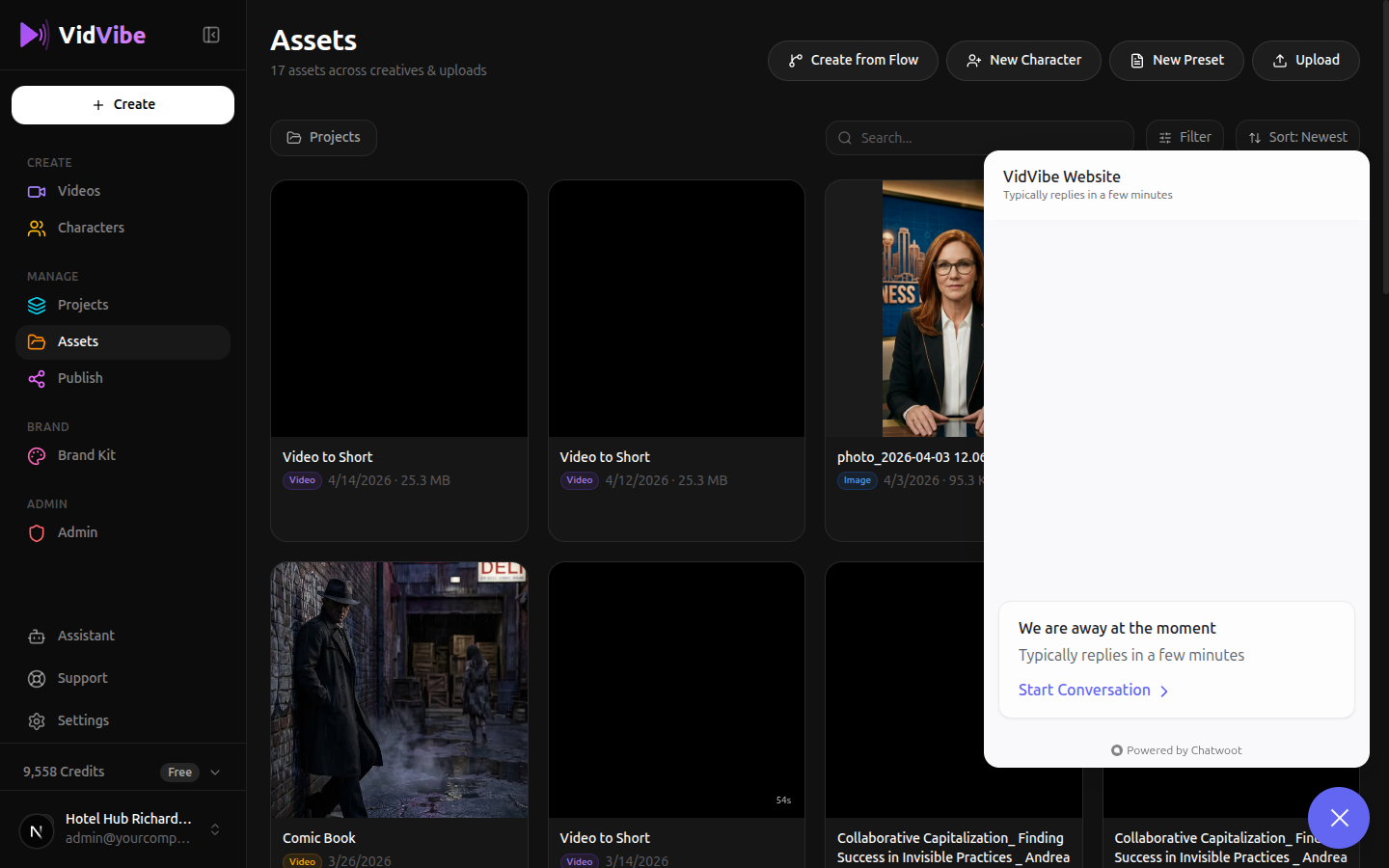
Include what you were doing and any error message you see so we can help faster.